> For the complete documentation index, see [llms.txt](https://help3.depence.com/llms.txt). Markdown versions of documentation pages are available by appending `.md` to page URLs; this page is available as [Markdown](https://help3.depence.com/depence-construction/depence-add-fixtures-and-objects/depence-fixture-hang-tool.md).
# Fixture Hang Tool
The Fixture Hang tool allows you to add multiple fixture types directly on truss pipes or splines within a single action.
*Note: Fixture Hang Tool only works with native Depence Trusses &* [*Splines*](/depence-construction/depence-splines.md)*.*
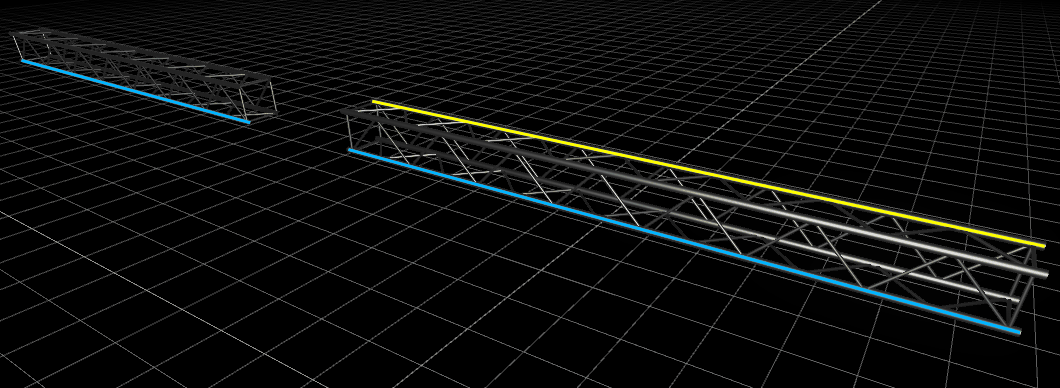
1. Select pipes or splines with your left mouse button (hold **CTRL** for multi-selection).
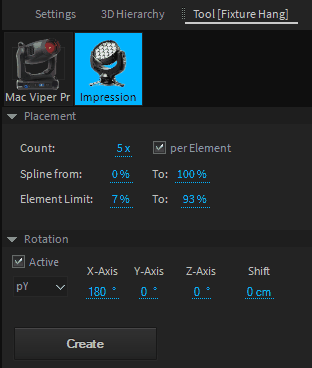
1. Drop your fixtures from the library into the Hang Tool.
## **Hang Tool Settings:**
| Count | Total Amount of fixtures (or per element). |
| -------------- | ------------------------------------------------------------------------ |
| Spline From/To | Limits the arrangement (if not per element). |
| Element Limit | Limits the arrangement per element (useful to keep fixtures on trusses). |
| Rotation | Rotation offset in addition to current spline rotation. |
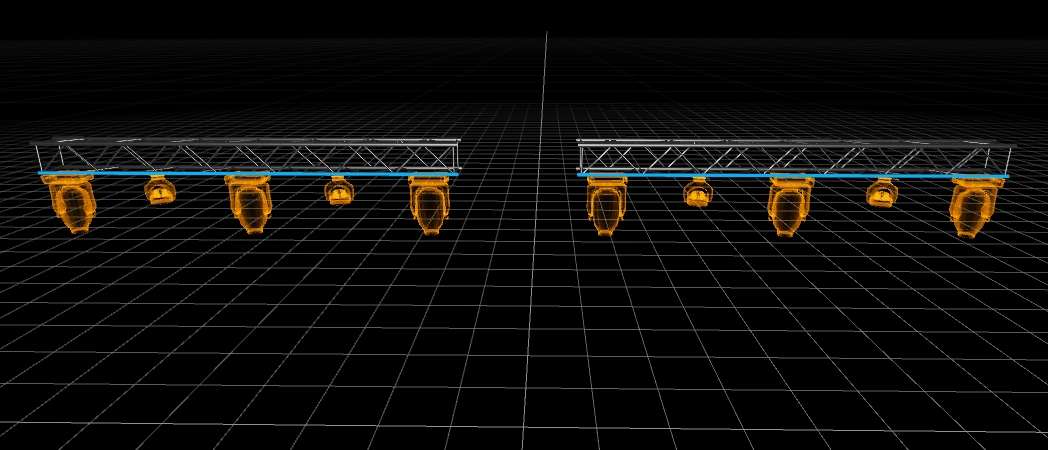
To create and auto-patch the fixtures click on **Create**. If you hang fixtures on trusses, the fixtures will automatically be grouped with the truss group.